
Running a PIG-aligned engagement
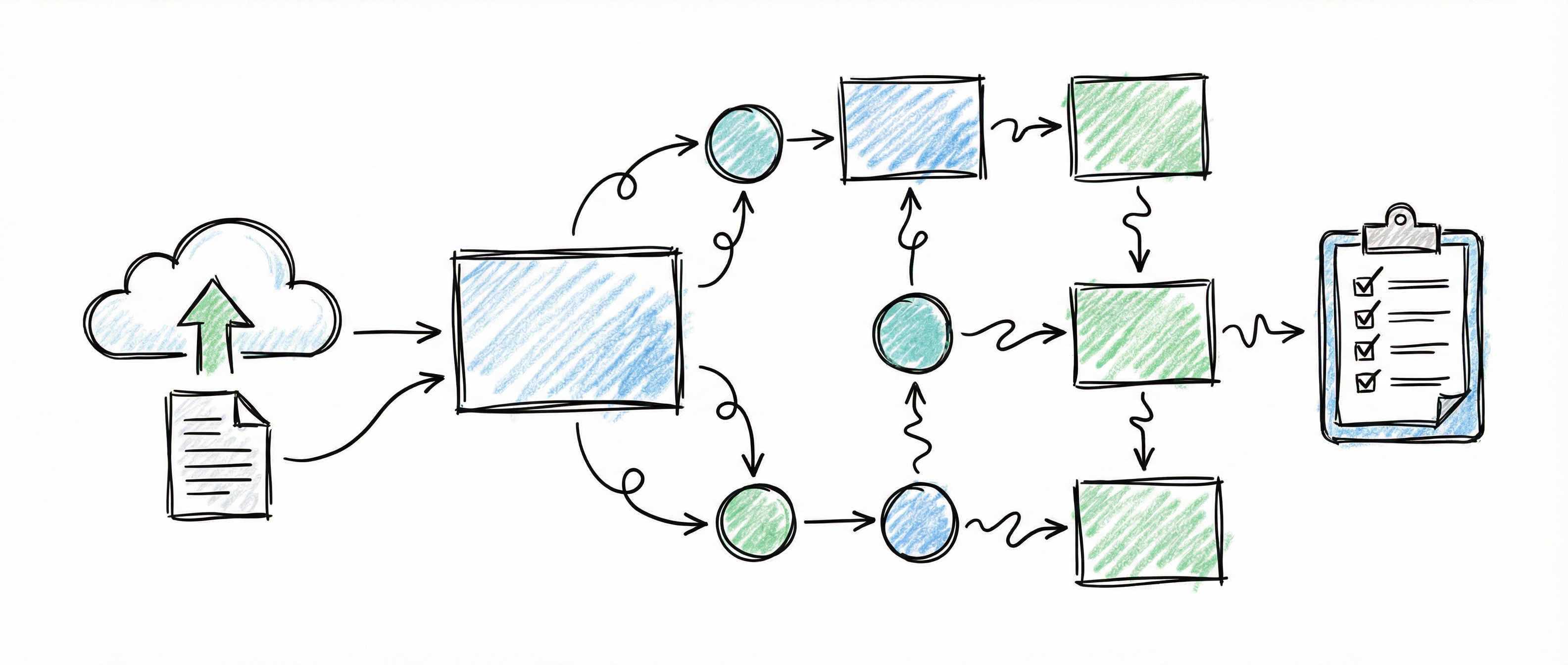
The SCRMS Prioritized Implementation Guide (PIG) sets out a prioritised path for building a cybersecurity and data protection programme on the Secure Controls Framework. This page shows where you record each PIG decision in the platform, and which journey checks confirm it has been made.
How the platform fits the PIG
Section titled “How the platform fits the PIG”- Your journey carries the flow. The platform does not set the order of an engagement. You import a journey template that follows the PIG, and each stage lists the checks that must pass before a practitioner signs it off. See Journey.
- The catalogue already matches the PIG. When the platform was checked against PIG v2026.1 (platform v0.45.0), every control in PIG Appendix A carried the same weighting and validation cadence, and every Appendix B evidence request ID was present. You don’t enter any of that.
- What you record is your organisation’s decisions. That means why a control is in scope, what is material, what is deficient, what risk you accept, and what the board has reviewed. The rest of this page shows where each of those decisions lives.
Before you start
Section titled “Before you start”- Scope your frameworks. In Framework Scoping, select the frameworks you must or choose to meet. An organisation admin then uses Set basis to mark each one as mandatory (MCR) or discretionary (DSR). See Framework Management.
- Import your PIG journey. No PIG template ships with the platform. Use a template your practice maintains; the check types it can use are listed in Journey.
- Set maturity targets. An organisation admin sets a target maturity in Org Settings for each domain you are working on. Controls inherit it. See Control Governance.
- Record your systems. In Systems Registry, give each system its boundary, criticality and recovery objectives.
Where each PIG step is recorded
Section titled “Where each PIG step is recorded”| PIG steps | What you record | Where in the platform | Journey checks that confirm it |
|---|---|---|---|
| 1a, 1f, 4a, 4c, 4f, 4g, 7c, 7e | System boundary, criticality, recovery objectives, data classification and hosting; vendor data location and responsibilities | Systems Registry, Vendor Inventory | systems_with_criticality (systems only) |
| 1c, 1d, 1f, 27 | Why each framework, and each control, is in scope (MCR or DSR) | Framework Scoping → Set basis; control GOVERNANCE tab | frameworks_with_basis, controls_with_basis |
| 1e, 2a, 30 | The approved control set (your Statement of Applicability, pinned as the Living Control Set revision) | Generated Documents | documents_approved with a generator filter |
| 1g, 30 | Target maturity per domain, with per-control overrides | Org Settings; control GOVERNANCE tab | controls_with_target, controls_at_target |
| 2d, 3c, 5b | Which controls are material, the procedure document that operates each, and working through them in weighting order | Control GOVERNANCE tab; Control Library filters | material_controls_at_status |
| 2b, 3b, 3e, 28 | Risk you accept, with an approver and an expiry date | Risk Register → a risk → Risk acceptance | risks_accepted_without_approver_max |
| 3f, 8–26, 27, 28 | Each control deficiency, its owner, due date and closure (POA&M) | Deficiencies (POA&M) | open_deficiencies_max, material_deficiencies_max |
| 6f, 27 | Compensating controls for a deficient or material control | Control GOVERNANCE tab | — |
| 2c, 27, 28, 30 | When each control was last validated against its cadence; monthly posture snapshots; the Governance Oversight Report | Control GOVERNANCE tab; Dashboard; Generated Documents | controls_validated_within_cadence; documents_approved with generator: "governance-report" and within_days |
| 29 | Capability tests and their findings | Capability Tests | capability_tests_within_days |
Steps 8–26 are where controls are actually implemented. Use the existing control, evidence and task features for that work, and raise a deficiency whenever a control falls short. See Control Management and Evidence Management.
A typical engagement rhythm
Section titled “A typical engagement rhythm”Set up (PIG steps 1–7)
Section titled “Set up (PIG steps 1–7)”- Scope frameworks and set their basis.
- Override the basis on individual controls only where a contract or regulation reaches a single control.
- Set domain maturity targets.
- Review which controls are material. Controls with a catalogue weighting of 10 are material by default; override only with a reason.
- Record your systems and vendors.
- Record risk acceptances, each with an approver and an expiry date.
- Link the procedure document that operates each material control.
- Where a control can’t be met, record a compensating control on its GOVERNANCE tab (step 6f).
- Approve your Statement of Applicability so it stands as the Living Control Set revision.
Implement (PIG steps 8–26)
Section titled “Implement (PIG steps 8–26)”- Work through controls in Control Library, with ORDER set to Material first, then weighting.
- Raise a deficiency in Deficiencies (POA&M) for every gap you find, with an owner and a due date.
Oversee (PIG steps 27–30)
Section titled “Oversee (PIG steps 27–30)”- Record a validation on each control when its cadence comes due. Where scheduled notifications are enabled, the notification bell tells you when one is due.
- Take the month’s posture snapshot from the Dashboard.
- Generate the Governance Oversight Report for the board.
- Record capability tests, and add a finding for anything that failed.
- Close deficiencies with a retest note.
Who can do what
Section titled “Who can do what”| Action | Viewer | Editor | Admin |
|---|---|---|---|
| Read every PIG record | Yes | Yes | Yes |
| Raise and close deficiencies; record capability tests, compensating controls and validations; link a procedure document; take the posture snapshot | No | Yes | Yes |
| Set a framework or control basis, set target maturity, override materiality, accept a risk | No | No | Yes |
| Remove an MCR framework, an MCR control or a material control from scope | No | No | Yes |
| Attest a journey stage | No | Yes | Yes |
| Import or re-issue a journey template | No | No | Yes |
| Generate a document and submit it for review | No | Yes | Yes |
| Approve or publish a document, such as the Statement of Applicability or the Governance Oversight Report | No | No | Yes |
The feature guides give the exact rules for each action.
Related Guides
Section titled “Related Guides”- Journey: stages, checks and the full check-type reference
- Control Governance: basis, target maturity, materiality, compensating controls and validation on a control
- Deficiencies (POA&M): raise, track and close control deficiencies
- Capability Tests: record tests and their findings
- Risk Management: risk acceptance with approval and expiry
- Document Generation: the Statement of Applicability and the Governance Oversight Report