
Vendor Risk Assessment
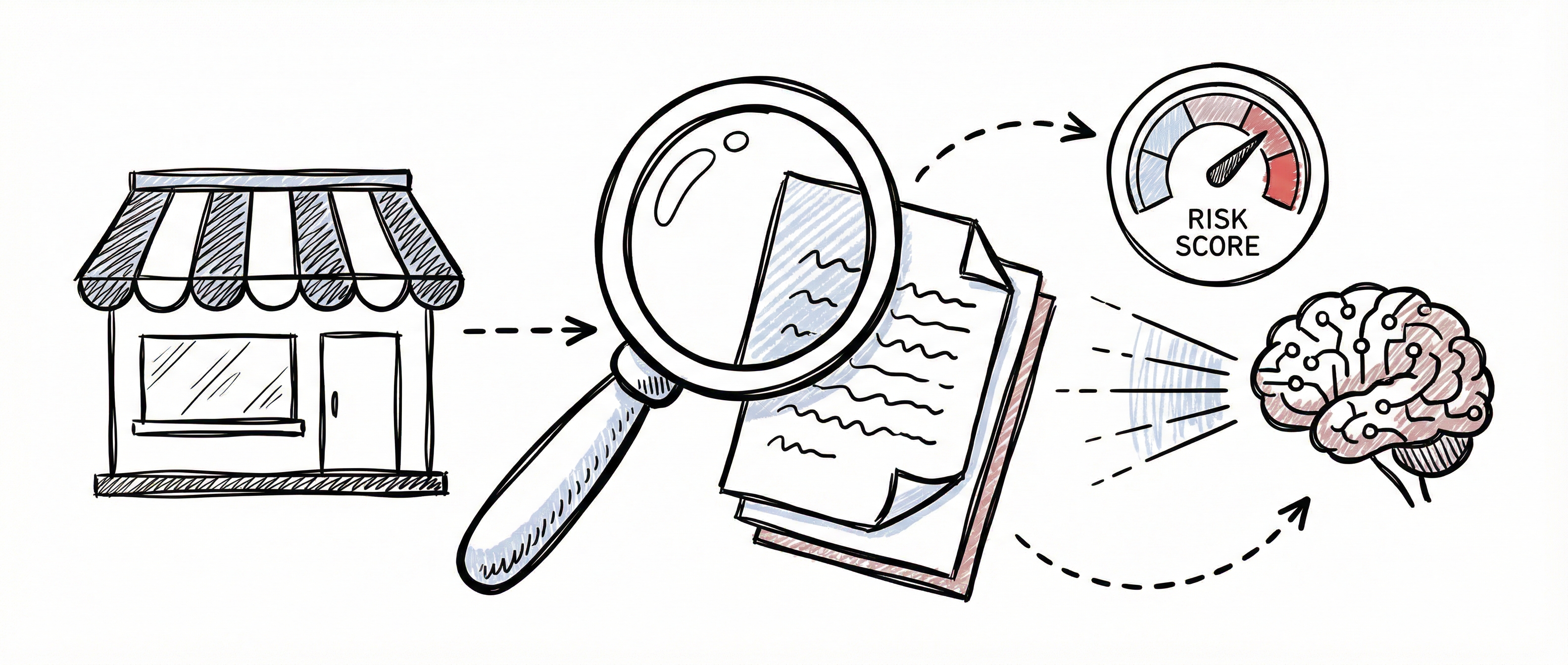
Vendor risk assessment is a core GRC activity — understanding the security posture of your third-party relationships is essential for protecting your organisation. The SCF Controls Platform assesses vendors through a single AI-powered pipeline that follows a simple lifecycle:
Add → Assess → Decide → Review
- Add the vendor to your registry (see Vendor Management)
- Assess — run an AI assessment that researches the vendor online and produces a full risk report
- Decide — act on the recommendation, conditions, and action items
- Review — re-assess annually; the platform tracks when each vendor’s review falls due
Each vendor carries one authoritative risk score, always traceable to the assessment that produced it.
Running an AI Assessment
Section titled “Running an AI Assessment”What the Assessment Does
Section titled “What the Assessment Does”The AI assessment researches the vendor’s public security posture — certifications (ISO 27001, SOC 2), breach history, published vulnerabilities (CVEs), and regulatory enforcement actions — then evaluates the vendor against a structured framework covering the CIA triad (Confidentiality, Integrity, Availability), data protection risk, and a 5×5 risk matrix. The output is a complete assessment report with a traffic-light rating, an approval recommendation, and a defensible risk score.
Where the platform has already collected research signals for the vendor (breach data from HIBP, CVE data from NVD, CISA KEV entries, regulatory findings), these are fed into the assessment as additional context automatically.
Starting an Assessment
Section titled “Starting an Assessment”- Open the vendor’s detail page from the Vendor Registry
- Click the primary action button in the header — labelled Run AI assessment for a first assessment, Run annual review when a review is due, or Re-run assessment otherwise
- Complete the short form and click Start assessment
Form Inputs
Section titled “Form Inputs”| Field | Required | Description |
|---|---|---|
| Assessment Type | Yes | Initial assessment, Annual review, or Ad hoc reassessment. Pre-selected based on where the vendor is in its lifecycle. |
| Data Role | Yes | The vendor’s data role for your organisation: Processor, Controller, or Joint Controller |
| Services Used | Yes | What services the vendor provides to you (pre-filled from the vendor description) |
| Additional Context | No | Anything else the AI assessor should take into account |
While It Runs
Section titled “While It Runs”The assessment runs in the background and typically takes a couple of minutes. The Assess tab shows live progress — first Assessment queued, then Researching vendor online — and the page checks for completion automatically every few seconds. You can navigate away and return later; the completed report is saved to the vendor record.
If a run fails, the error is shown on the Assess tab with a Try again button. A failed run never overwrites the vendor’s existing risk score or previous reports.
Understanding the Report
Section titled “Understanding the Report”When the assessment completes, the Assess tab shows the full report. The summary strip at the top displays:
- RAG Status — a traffic-light rating:
- GREEN — low risk: certifications current, clean record, strong controls
- AMBER — medium risk: certifications present but concerns exist (past breaches, CVEs, gaps)
- RED — critical or high risk: missing required certifications or active unresolved issues
- Recommendation — Approve, Conditional Approval, or Reject
- Risk Score — the residual risk score (1–25)
Report Sections
Section titled “Report Sections”| Section | Contents |
|---|---|
| Executive Summary | Narrative overview of the vendor’s security posture and the key risk drivers |
| Key Findings | The most significant individual findings from the research |
| Risk Analysis | Inherent risk score and level, control effectiveness (%), and residual risk score and level, plus the individual inherent risk factors with likelihood × impact scoring |
| CIA Triad Controls | Per-pillar scores (out of 5) for Confidentiality, Integrity, and Availability, with the individual controls assessed under each pillar and their ratings |
| Certifications | Certifications found during research (ISO 27001 and SOC 2 Type II are treated as the minimum bar), with status and validity |
| Breach, CVE & Regulatory History | Known data breaches, published vulnerabilities, and regulatory enforcement actions |
| Conditions for Use | Conditions attached to a conditional approval |
| Mandatory Actions | Remediation actions required, with priority, owner, and due date |
| Ongoing Monitoring | Monitoring requirements for the vendor relationship |
| Research Sources | The web sources consulted during the assessment, so every finding is traceable |
You can toggle the full-text report view to read the complete report as a formatted document, and download it as Markdown for sharing, audit evidence, or version control.
How the Score Is Calculated
Section titled “How the Score Is Calculated”The assessment scores risk on a 5×5 matrix: each risk factor is rated for likelihood (1–5) and impact (1–5), and the overall score is likelihood × impact (1–25).
| Score Range | Risk Level | Meaning |
|---|---|---|
| 1–7 | Low | Accept with standard monitoring |
| 8–14 | Medium | Accept with compensating controls |
| 15–19 | High | Remediation required before engagement |
| 20–25 | Critical | Do not proceed without executive approval |
Inherent vs Residual Risk
Section titled “Inherent vs Residual Risk”The report distinguishes the vendor’s raw exposure from the risk that remains after their controls are taken into account:
| Risk Type | Definition |
|---|---|
| Inherent Risk | The vendor’s risk exposure before considering their security controls |
| Control Effectiveness | How effectively the vendor’s controls and certifications mitigate that exposure (0–100%) |
| Residual Risk | The remaining risk after controls — this is the vendor’s authoritative risk score |
See Risk Management for more on the inherent vs residual risk concept.
The Single Risk Score and Its Provenance
Section titled “The Single Risk Score and Its Provenance”Each vendor has exactly one risk score, shown consistently in the vendor registry and in the vendor detail header. It is updated only when an assessment completes successfully, and the platform records where it came from:
- The header shows the score with its RAG colour (for example, Risk 12 · AMBER)
- The provenance line underneath reads Assessed <date> · Review due <date> — so you always know how current the score is and which assessment produced it
A pending, running, or failed assessment never changes the score.
Making a Decision (Decide Tab)
Section titled “Making a Decision (Decide Tab)”The Decide tab collects everything needed to make and manage the engagement decision.
Recommendation and Conditions
Section titled “Recommendation and Conditions”The recommendation from the latest completed assessment is shown with its executive summary and, for conditional approvals, the conditions for use — the specific terms under which the vendor should be engaged.
| Recommendation | Typical Basis |
|---|---|
| Approve | GREEN status, required certifications in place, no significant concerns |
| Conditional Approval | AMBER status — certifications present but conditions attach to continued use |
| Reject | RED status, missing required certifications, or unacceptable risk |
The recommendation is advisory. Record your organisation’s actual decision by setting the vendor’s status (for example, Approved or Suspended) — see Vendor Status Lifecycle.
Action Items
Section titled “Action Items”Mandatory actions from the assessment report are created automatically as action items, each with a priority, owner, and due date. You can also add your own manually.
| Priority | Description |
|---|---|
| Critical | Requires immediate attention — blocking risk |
| High | Should be addressed within days |
| Medium | Address within the normal review cycle |
| Low | Address when resources allow |
Use the status dropdown in the table to move items through Open → In Progress → Completed.
Compensating Controls
Section titled “Compensating Controls”Where the vendor cannot fully meet a requirement, document the gap and the compensating control your organisation has put in place, with an effectiveness rating:
| Rating | Description |
|---|---|
| Full | Compensating control fully addresses the gap |
| Partial | Gap is partially mitigated — some residual risk remains |
| Minimal | Limited mitigation — significant residual risk |
Annual Reviews (Review Tab)
Section titled “Annual Reviews (Review Tab)”When an assessment completes, the platform automatically schedules the next annual review for 12 months later. The review date drives visible status badges:
| Status | Meaning |
|---|---|
| (no badge) | Review is more than 30 days away |
| Due soon (amber) | Review falls due within the next 30 days |
| Overdue (red) | The review date has passed |
Badges appear in the vendor registry’s review column and in the vendor detail header, so vendors needing attention are visible at a glance. When a review is due, the header action becomes Run annual review — running it produces a fresh report, updates the risk score, and schedules the next review.
The Review tab also shows the full assessment history: every assessment with its type, date, status, risk score, RAG status, and recommendation, so you can see how the vendor’s posture has changed over time.
Best Practices
Section titled “Best Practices”Assessment Cadence
Section titled “Assessment Cadence”- All vendors — run an initial assessment when the vendor is added, and let the annual review cycle keep it current
- Critical vendors — run an ad hoc reassessment after any security incident, major breach disclosure, or significant contract change
- Due soon / overdue badges — treat these as your review work queue; clear them by running the annual review
Maximising Assessment Quality
Section titled “Maximising Assessment Quality”- Describe services accurately — the Services Used field frames the whole assessment
- Set the correct data role — Controller vs Processor materially changes the data protection analysis
- Use additional context — contract specifics, data volumes, or known concerns sharpen the findings
- Record certifications you hold evidence for — tracked certifications complement what the assessment finds online
Governance
Section titled “Governance”- Track action items to completion — open remediation tasks represent unmanaged risk
- Document compensating controls — show auditors how you mitigate vendor gaps
- Download reports for your audit trail — the Markdown report is suitable for evidence packs and board reporting
- Reflect decisions in vendor status — keep the lifecycle status aligned with the latest recommendation
Related Guides
Section titled “Related Guides”- Vendor Management — Register and manage your vendor registry
- Risk Management — Organisational risk register and 5×5 risk matrix