
Risk Management
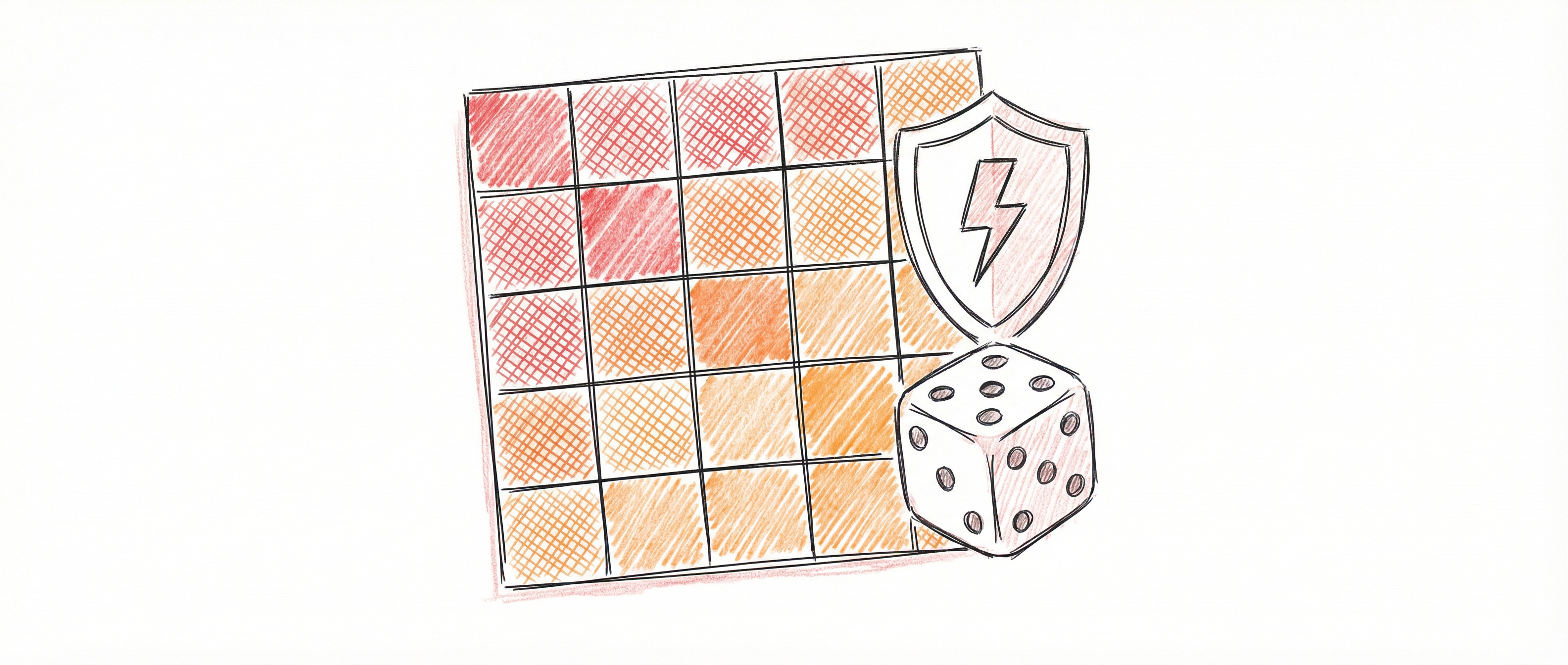
The Risk Register provides a comprehensive view of your organisation’s risk landscape. Assess inherent and residual risks, link them to SCF controls, and visualise your risk posture using an interactive 5x5 matrix.
Accessing the Risk Register
Section titled “Accessing the Risk Register”Click the Shield icon in the sidebar or select Risk Register from the navigation menu.
Understanding Risk Assessment
Section titled “Understanding Risk Assessment”Inherent vs. Residual Risk
Section titled “Inherent vs. Residual Risk”| Risk Type | Definition |
|---|---|
| Inherent Risk | The risk level before any controls are implemented — the raw exposure |
| Residual Risk | The risk level after controls are in place — the remaining exposure |
The goal of risk management is to reduce inherent risk to an acceptable residual level through effective controls.
The 5x5 Risk Matrix
Section titled “The 5x5 Risk Matrix”Risks are plotted on a matrix of Likelihood (1-5) vs Impact (1-5):
Likelihood Scale:
| Score | Label | Description |
|---|---|---|
| 1 | Rare | May occur only in exceptional circumstances |
| 2 | Unlikely | Could occur but not expected |
| 3 | Possible | Might occur at some time |
| 4 | Likely | Will probably occur in most circumstances |
| 5 | Almost Certain | Expected to occur in most circumstances |
Impact Scale:
| Score | Label | Description |
|---|---|---|
| 1 | Insignificant | Minimal impact, easily absorbed |
| 2 | Minor | Some impact, manageable with existing resources |
| 3 | Moderate | Noticeable impact, requires management attention |
| 4 | Major | Significant impact, potential harm to operations |
| 5 | Severe | Critical impact, could threaten organisation viability |
Risk Levels
Section titled “Risk Levels”The product of Likelihood × Impact determines the risk level:
| Score Range | Level | Colour |
|---|---|---|
| 1-4 | Low | Green |
| 5-9 | Medium | Yellow |
| 10-15 | High | Orange |
| 16-25 | Critical | Red |
The Risk Dashboard
Section titled “The Risk Dashboard”Matrix View (Default)
Section titled “Matrix View (Default)”The matrix displays all assessed risks as dots in their corresponding cells:
- Toggle Inherent/Residual — Switch between viewing inherent or residual risk positions
- Click a cell — See which risks fall in that likelihood/impact combination
- Summary bar — Shows count of risks at each level (Low/Medium/High/Critical)
List View
Section titled “List View”Toggle to list view for a tabular format showing:
- Risk code and name
- Current likelihood and impact scores
- Inherent and residual risk levels
- Treatment status
- Risk owner
- Last updated date
Detail Panel
Section titled “Detail Panel”Click any risk to open the detail panel on the right, which shows:
- Full risk description from the SCF risk catalog
- Likelihood and impact scores (editable)
- Treatment status and notes
- Linked controls from the SCF catalog
- Risk owner assignment
Working with Risk Assessments
Section titled “Working with Risk Assessments”Assessing a Risk
Section titled “Assessing a Risk”- Click on a risk in the matrix or list
- In the detail panel, set the Likelihood (1-5)
- Set the Impact (1-5)
- The inherent risk level calculates automatically
- Click Save
Setting Residual Risk
Section titled “Setting Residual Risk”After implementing controls:
- Open the risk assessment
- Scroll to Residual Risk section
- Set Residual Likelihood and Residual Impact
- The system shows how much risk reduction you’ve achieved
- Click Save
Treatment Status
Section titled “Treatment Status”Track your response to each risk:
| Status | Meaning |
|---|---|
| Identified | Risk has been identified but not yet assessed |
| Assessing | Currently evaluating the risk |
| Treating | Implementing controls to address the risk |
| Monitoring | Controls in place, ongoing monitoring |
| Accepted | Risk accepted at current level (with justification) |
| Transferred | Risk transferred (e.g., via insurance) |
Assigning Risk Owners
Section titled “Assigning Risk Owners”- Open the risk assessment
- Click the Owner dropdown
- Select a team member
- The owner is responsible for monitoring and treating this risk
Risk-Control Linking
Section titled “Risk-Control Linking”How Risks Link to Controls
Section titled “How Risks Link to Controls”The SCF catalog includes pre-defined mappings between risk codes and control codes. When you view a risk, you’ll see:
- Recommended Controls — SCF controls that address this risk
- Control Status — Whether each control is implemented in your organisation
Navigating to Controls
Section titled “Navigating to Controls”Click any linked control to navigate directly to that control in the Control Scoping view. This helps you:
- Verify the control is in scope
- Check implementation status
- View evidence attached to the control
Filtering and Search
Section titled “Filtering and Search”In Matrix View
Section titled “In Matrix View”- Click any cell to filter the view to risks in that cell
- Clear the filter by clicking outside the matrix
In List View
Section titled “In List View”- Search — Filter by risk code or name
- Filter by Level — Show only Critical, High, Medium, or Low risks
- Filter by Status — Show only risks in a specific treatment status
- Sort — Order by risk score, name, or last updated
Risk Reporting
Section titled “Risk Reporting”Risk Summary Statistics
Section titled “Risk Summary Statistics”The dashboard header shows:
- Total risks assessed vs. unassessed
- Count at each risk level
- Risks pending treatment
- Risks accepted
Exporting Risk Data
Section titled “Exporting Risk Data”Use the Export button to download:
- Risk register as CSV
- Risk matrix as image (for presentations)
Best Practices
Section titled “Best Practices”Effective Risk Assessment
Section titled “Effective Risk Assessment”- Be consistent — Use the same criteria across all assessments
- Document rationale — Add notes explaining your likelihood/impact scores
- Review regularly — Reassess risks quarterly or when circumstances change
- Involve stakeholders — Risk owners should participate in assessments
Risk Treatment Priorities
Section titled “Risk Treatment Priorities”Focus treatment efforts on:
- Critical risks — Require immediate attention and escalation
- High risks — Should have treatment plans in progress
- Medium risks — Monitor and treat as resources allow
- Low risks — Accept or monitor with minimal intervention
Demonstrating Risk Reduction
Section titled “Demonstrating Risk Reduction”To show auditors the value of your controls:
- Document inherent risk before control implementation
- Implement and evidence the control
- Reassess residual risk showing reduction
- The delta demonstrates control effectiveness
Troubleshooting
Section titled “Troubleshooting”Risk Not Appearing in Matrix
Section titled “Risk Not Appearing in Matrix”If a risk doesn’t show on the matrix:
- Ensure both likelihood and impact are set (risks without scores appear as “Unassessed”)
- Check you’re viewing the correct matrix type (Inherent vs. Residual)
Linked Controls Not Showing
Section titled “Linked Controls Not Showing”Risk-control mappings come from the SCF catalog. If expected controls don’t appear:
- Verify the control exists in your scoped controls
- Check the SCF catalog mapping is correct
Risk Scores Not Calculating
Section titled “Risk Scores Not Calculating”The risk level calculates automatically from Likelihood × Impact. If it’s not updating:
- Ensure both values are saved
- Refresh the page if needed